- AI Growth Guys
- Posts
- Re: Update and new tool

Hi,
I just wanted to share a couple of things I think you'll find very useful.
The first one is 100% free, and something I think will benefit your productivity.
My brother and I built a free Chrome extension that takes amazing custom screenshots.
For example, you might want to take a screenshot and put a custom border on it, blur a sensitive area, or draw/highlight parts of it.
Normally, this would take too long because you'd need to upload it to Canva or Photoshop and deal with those edits there.
This Chrome extension lets you do this in a couple of seconds. I am using it all the time now.
Here is the extension, it is called Podsplice Capture
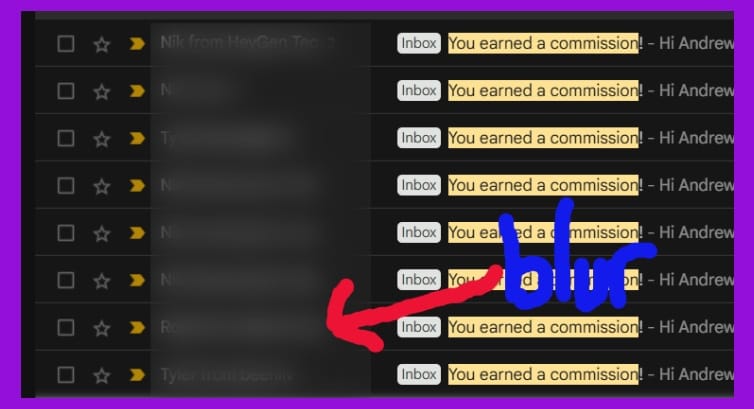
Above is an example screenshot I just made in a couple of seconds. I put a custom purple border on it, I blurred the email addresses, and I put that arrow on it and wrote the word "blur". It is very useful if you ever need to take nice screenshots for writing articles, putting them on your website, or anytime you need to use screenshots.
The second thing is our Podcasting Uncut podcast. Here is our latest episode. Podcasting Uncut Episode.
We share a behind-the-scenes look at building and growing Podsplice.
We share exactly what we're building and things that are working for us and things that are not.
We think you'll like it if you are trying to grow anything organically online. Its what we focus on all the time.
Thanks to everyone who has recently signed up and started using Podsplice. The feedback has been amazing so far!
We are using it ourselves every day, and we're so glad so many of you are as well.
Talk soon,
Andrew Best,
AI Growth Guys
Reply